UbiComp/ISWC 2026 · Half-day Tutorial · Shanghai, China
From Multimodal Sensing Data to Actionable Health Insights
Prototyping Your Personal LLM Health Agent
Build and inspect a personal LLM health agent in your browser using the public GLOBEM sensing sample. Write tools, follow the agent’s tool calls, and test whether a change to its instructions helps. An AI helper supports you as you work; you check the answers against the data.
Oct 12, 2026 · 14:00–17:30 Shanghai time (UTC+8)
Room 5A Shanghai, China
Half-day (3.5h), hands-on
Laptop recommended · phones welcome · nothing to install
This tutorial took place on October 12, 2026. Slides and exercises remain open in AgentLab.
Recap
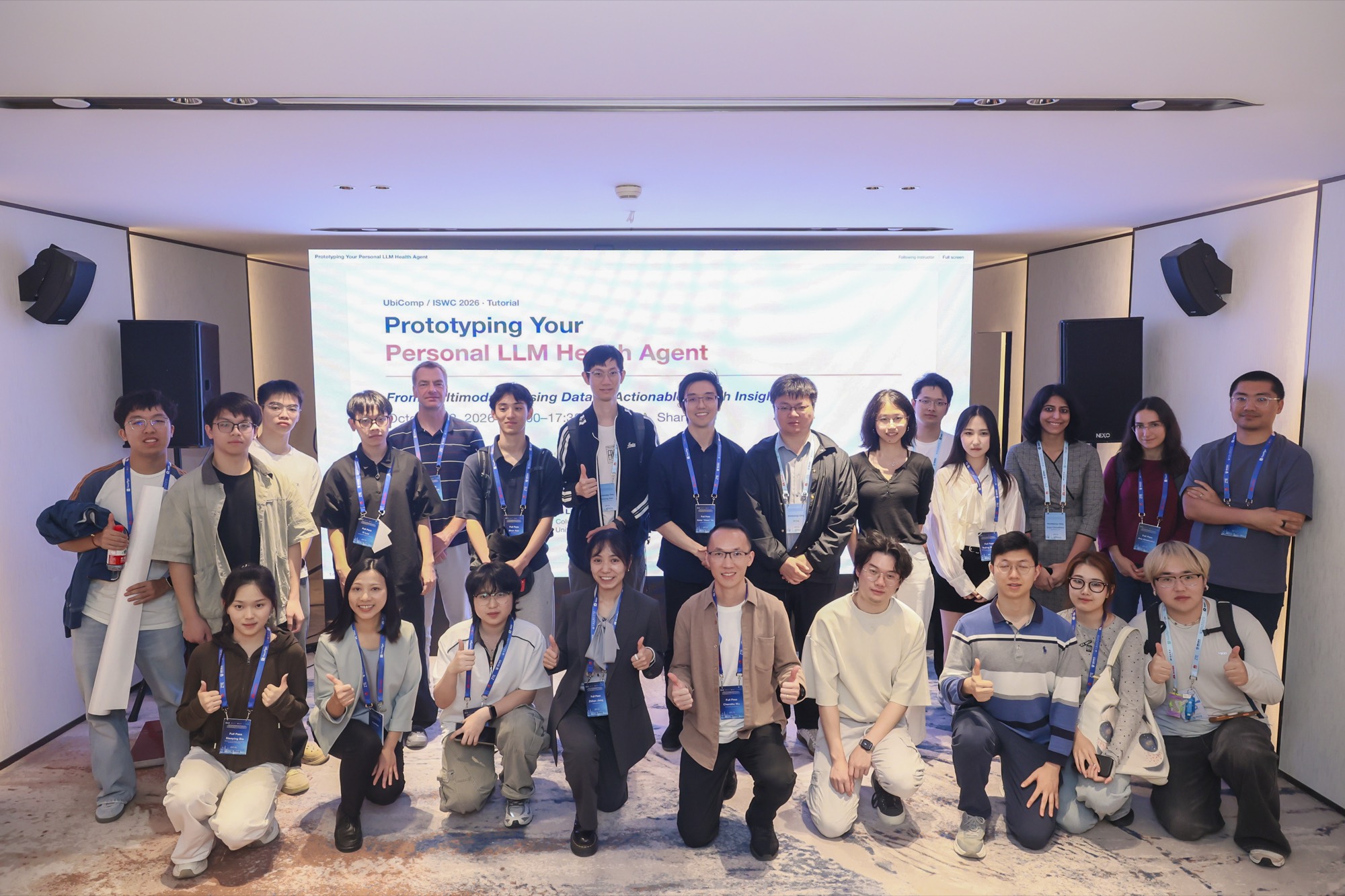
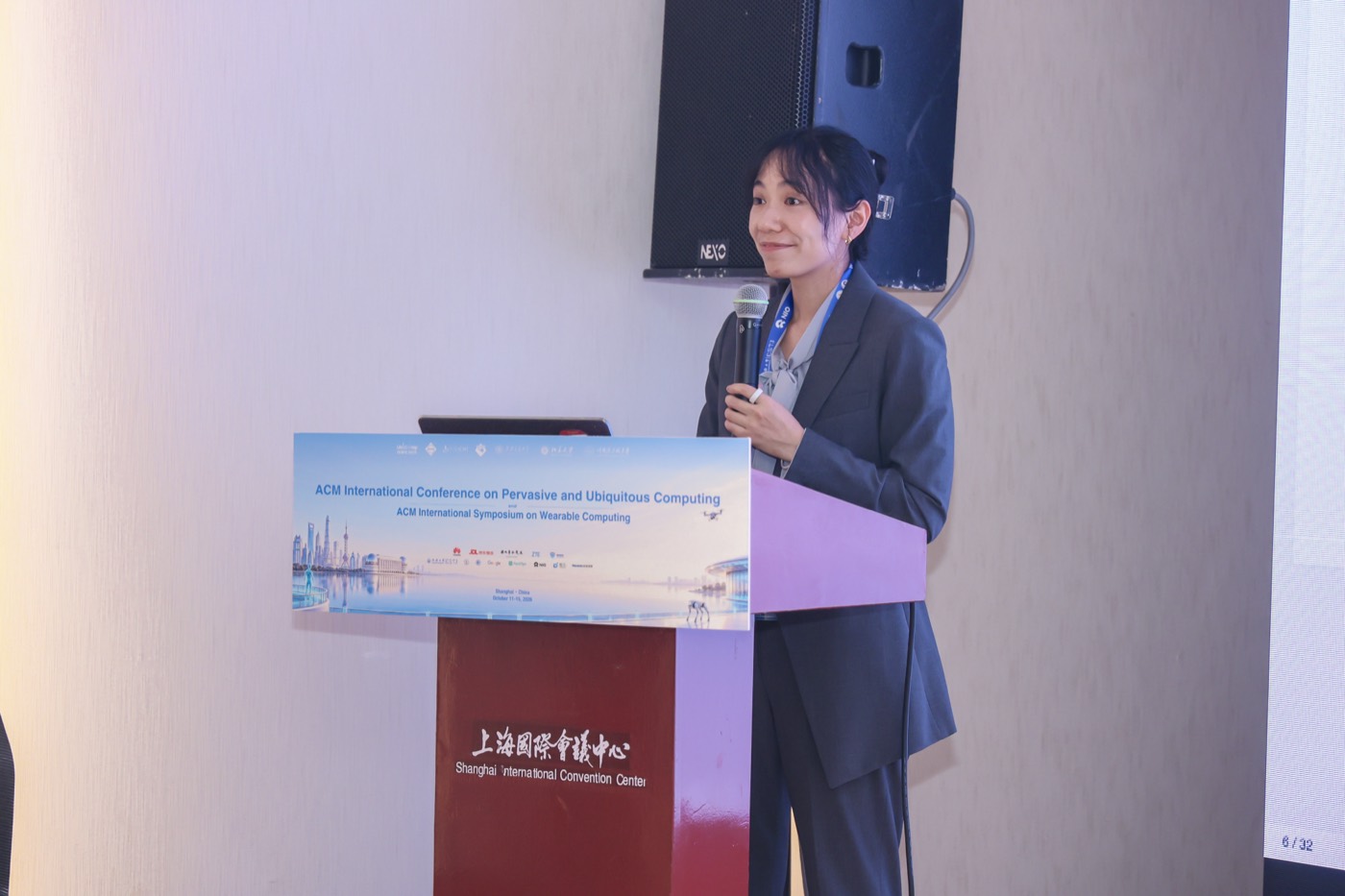
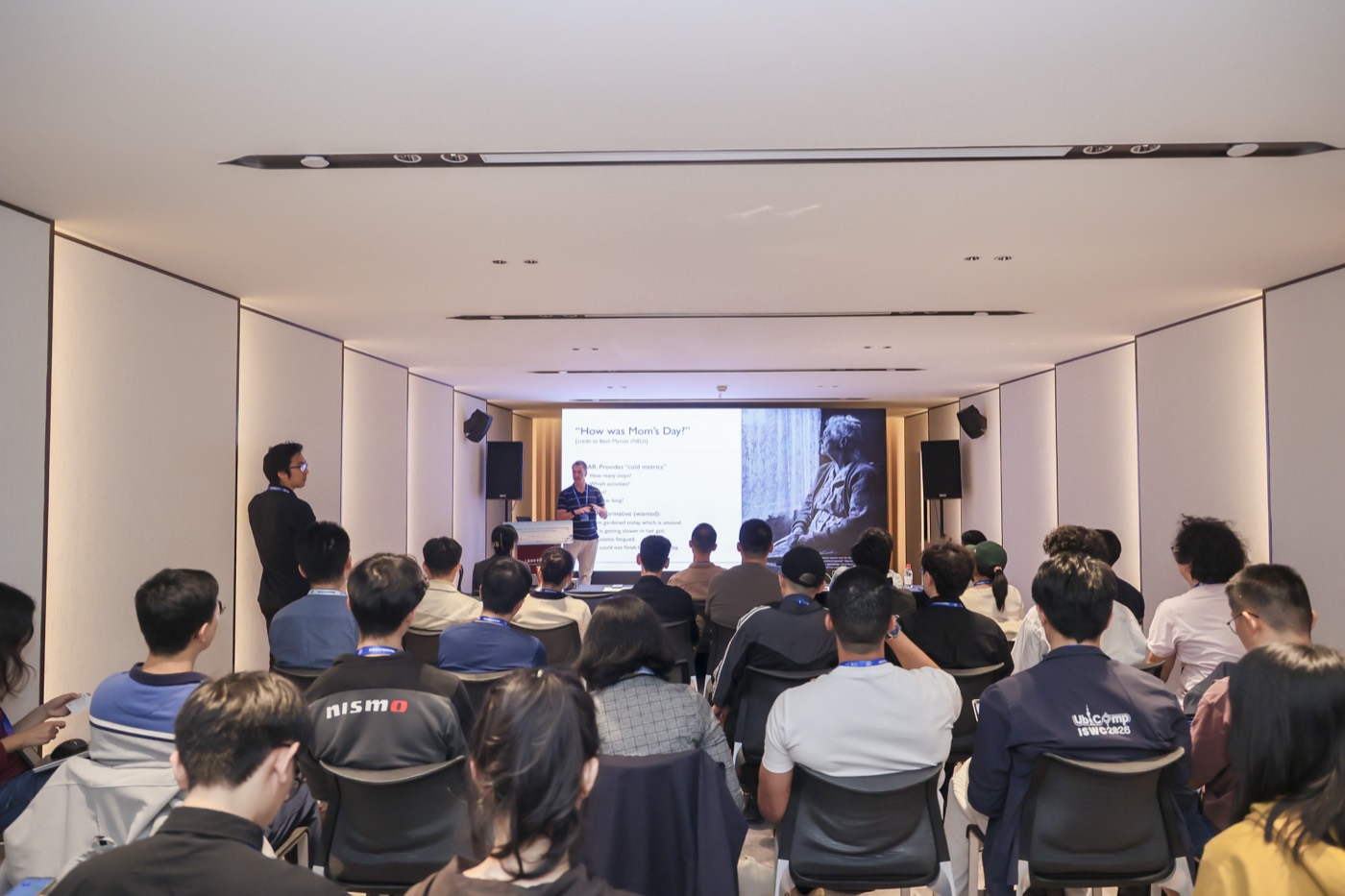
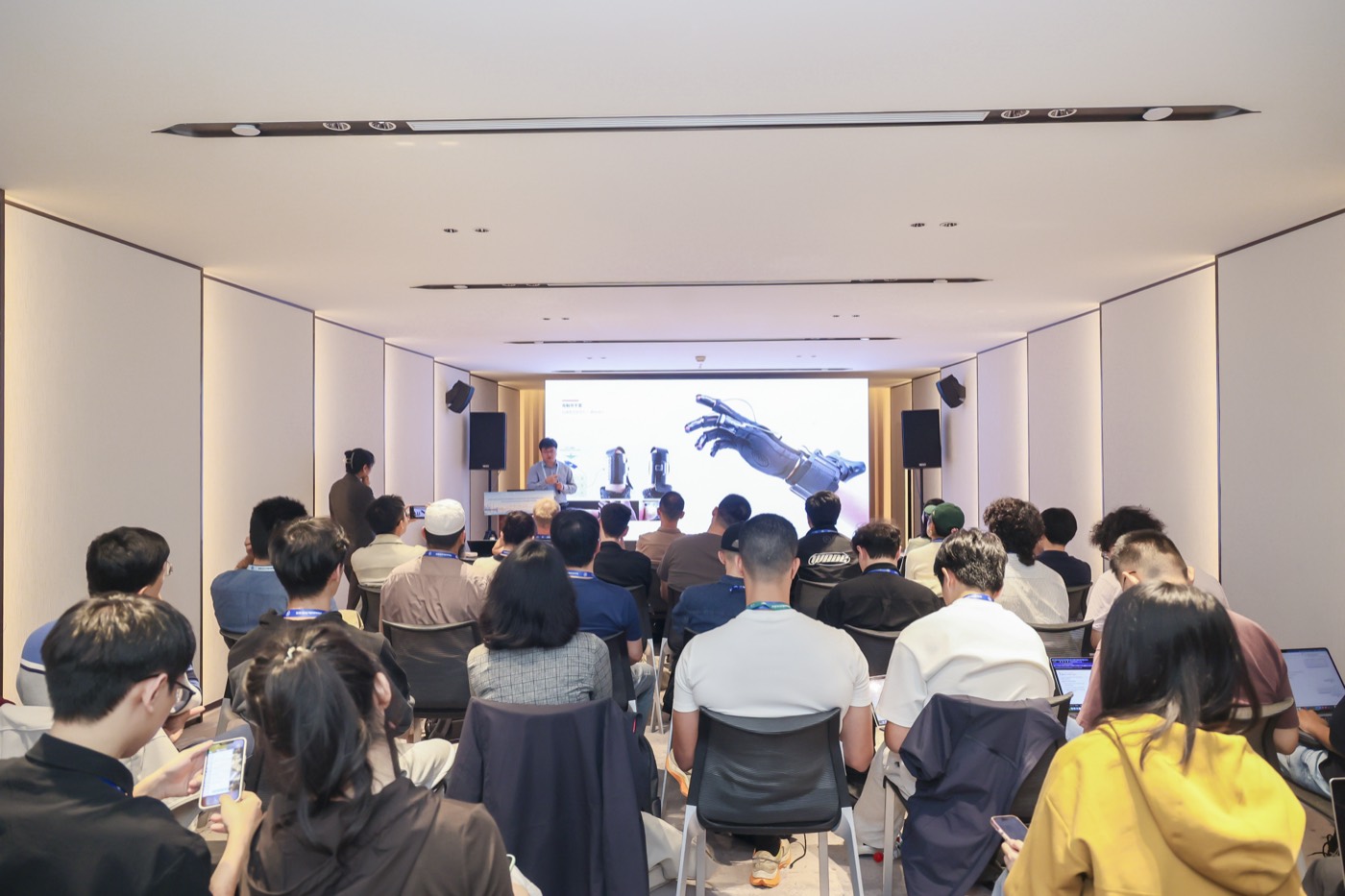
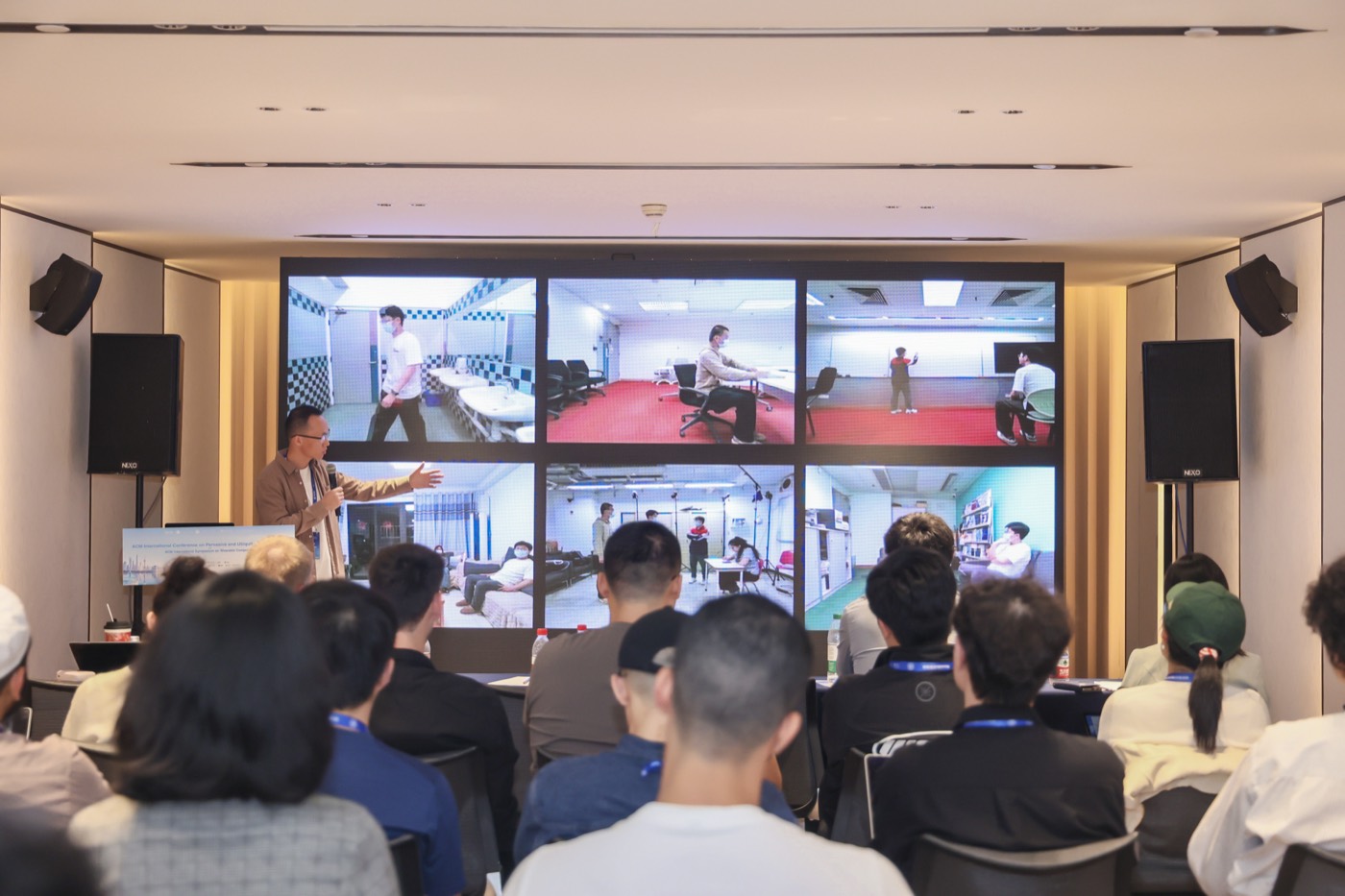
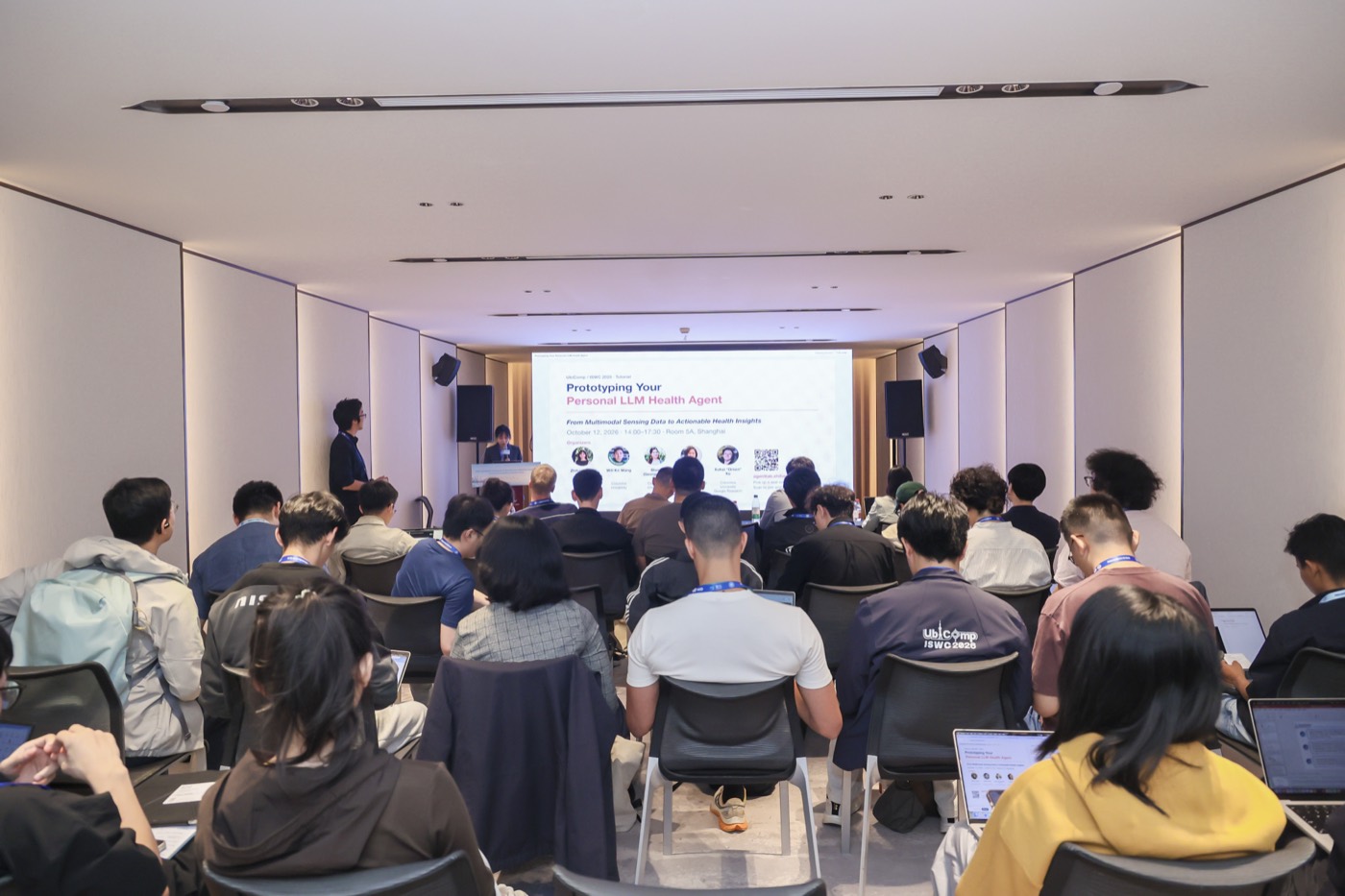
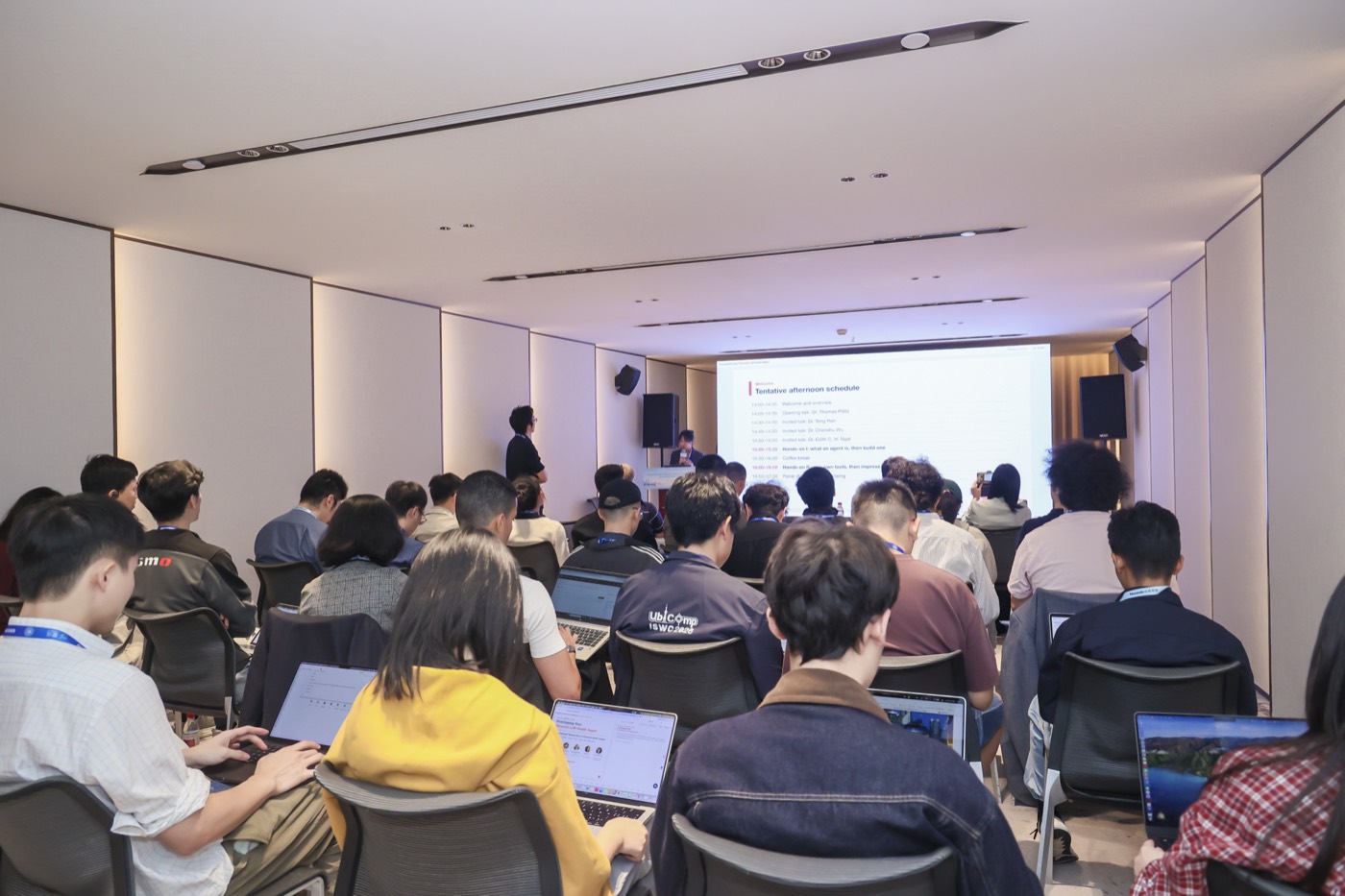
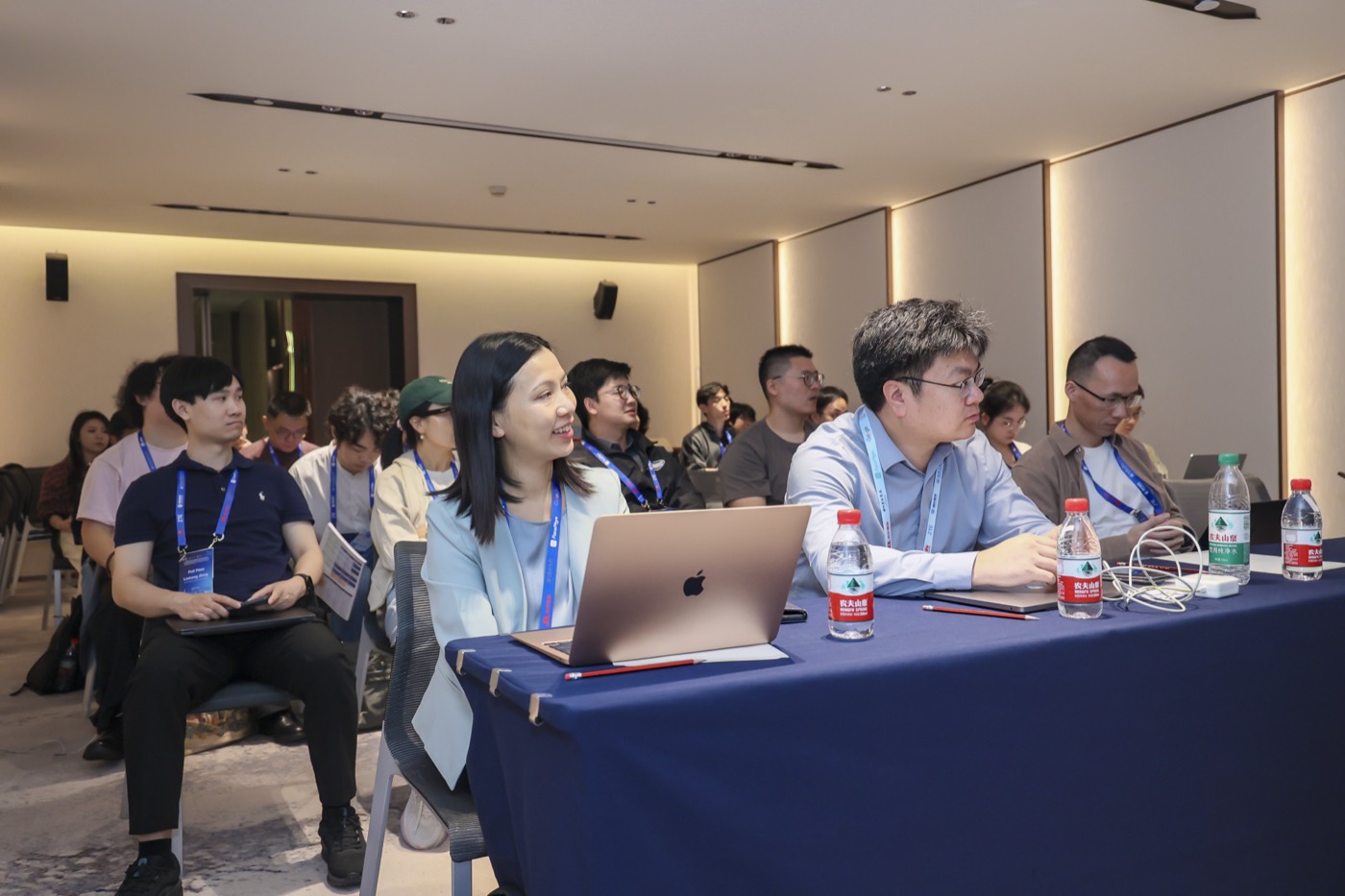
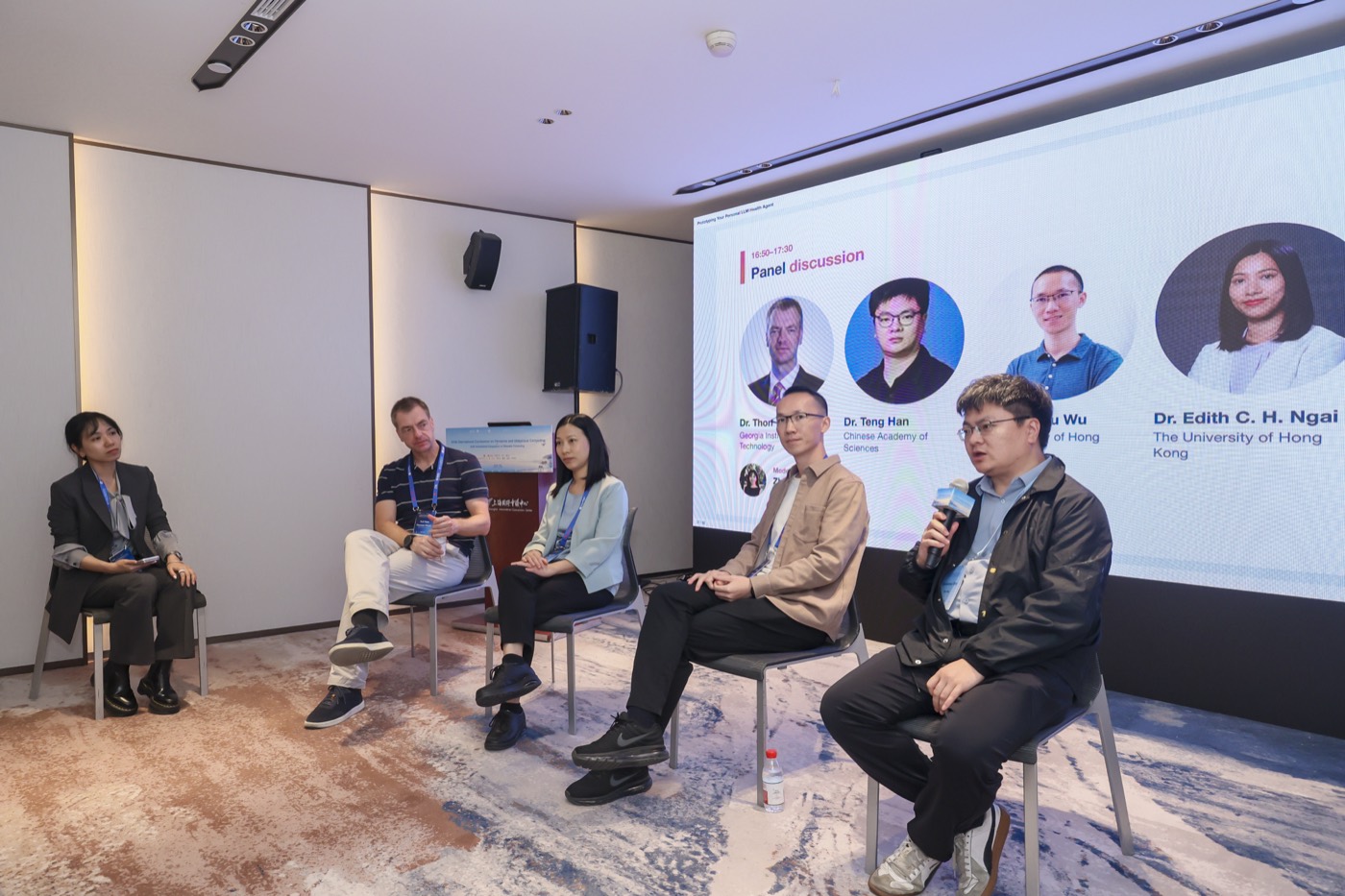
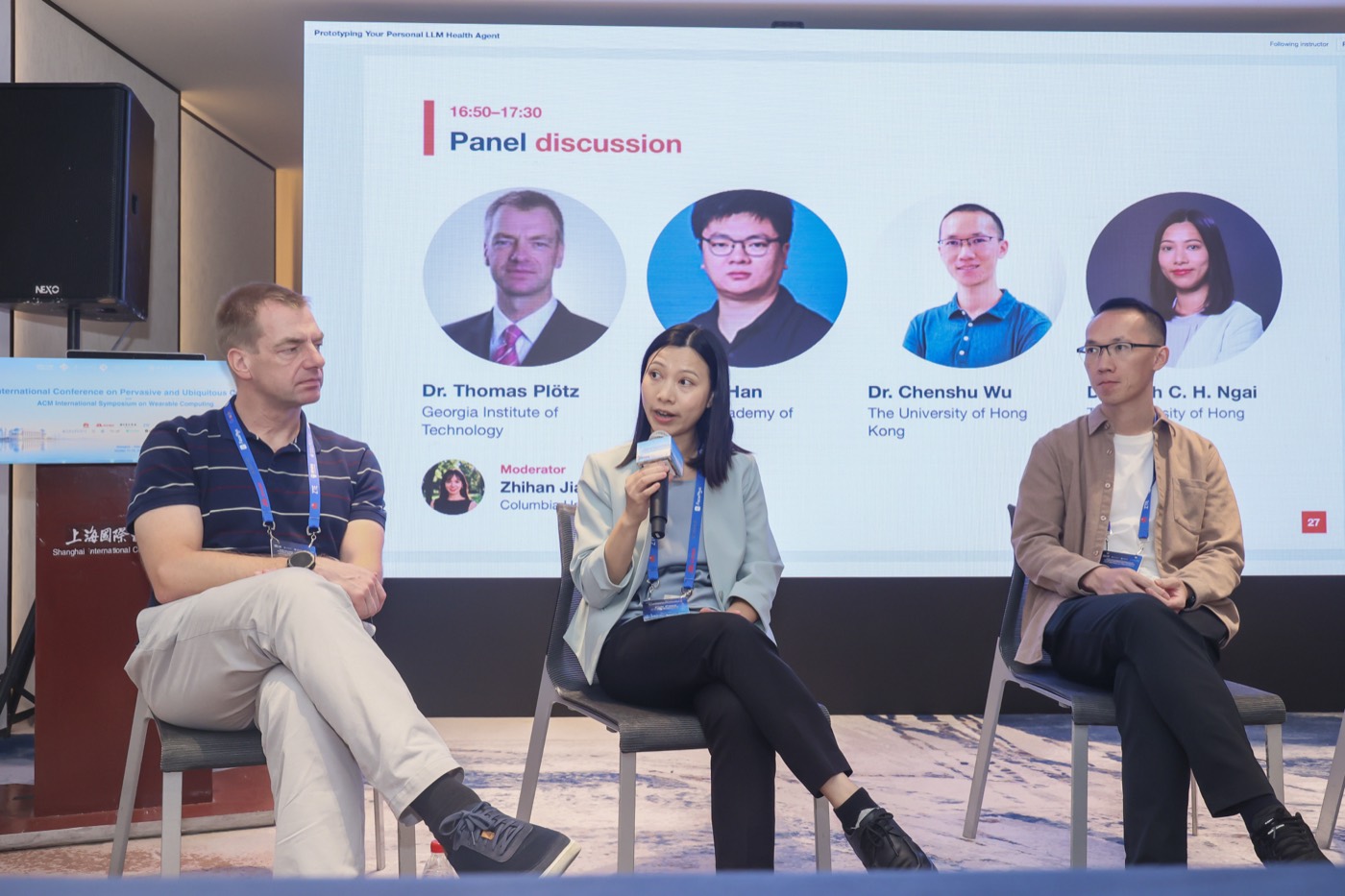
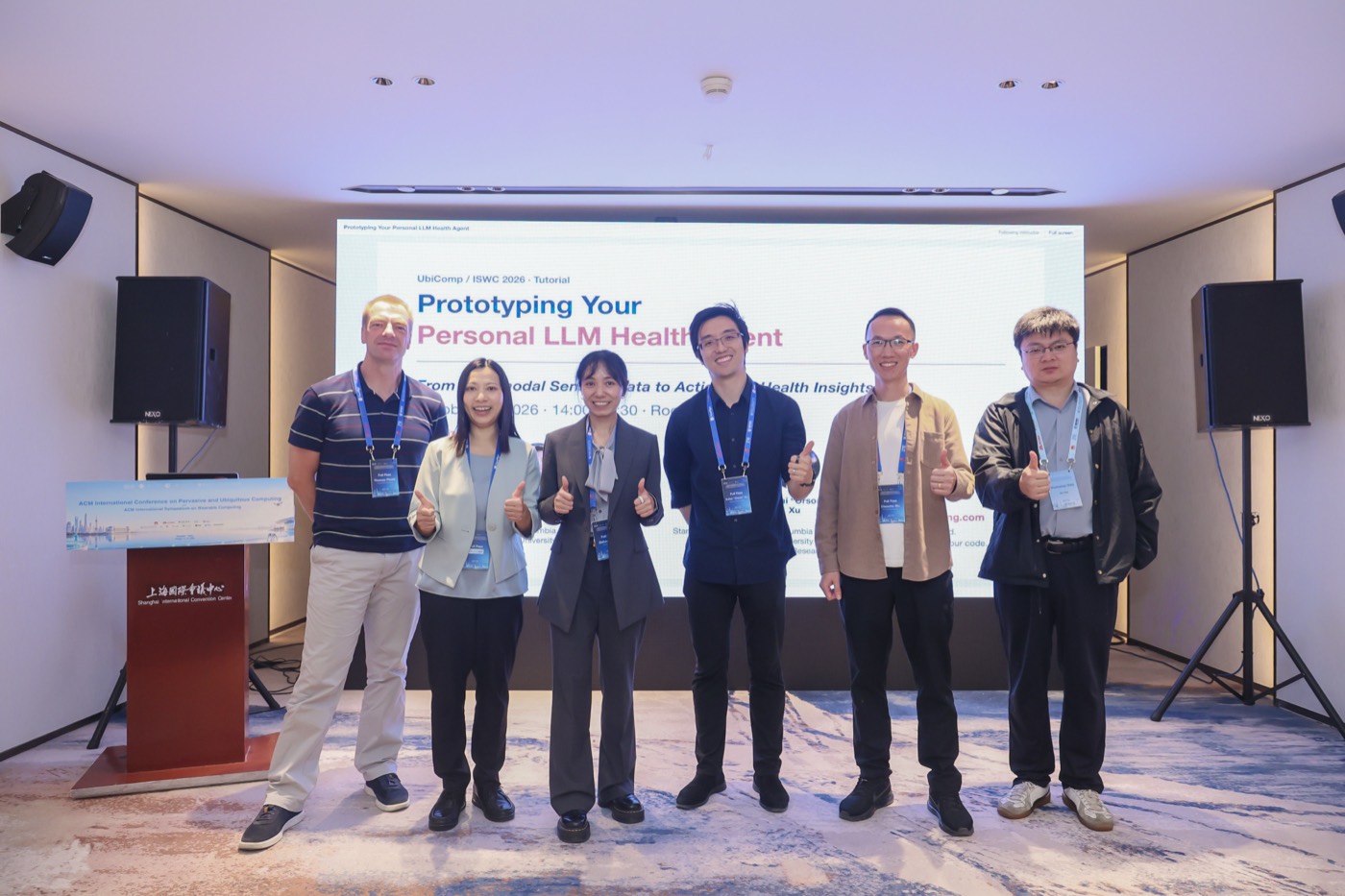
Thank you to the 50+ participants who joined us on October 12, 2026 at the Shanghai International Convention Center! The afternoon brought together an opening talk, invited talks, hands-on agent building in the browser, and a panel on evaluation and safety.
“Why have I been sleeping poorly this week?”
Wearable and smartphone records can show when sleep, activity, or phone use changed. An LLM agent can call tools to explore those records, but its explanations still need checking. In this hands-on tutorial, you will build an agent over the public GLOBEM sample, inspect how it reaches an answer, and compare answers before and after changing a tool or skill. The hands-on runs in your browser, with nothing to install.
Ask
Start with a health question.
→
Build
Connect sensing data and tools.
→
Check
Compare the answer with the evidence.
What you'll do — and leave with
No prior LLM or agent experience required. We start with the basics (model, tool, agent and skill), then build an agent, write tools for it, and test whether a rewritten skill helps.
What you will do
Build the agent loop yourself, and write health-specific tools the agent can call.
Ask real questions over wearable and smartphone data, and check each answer against the data.
Let the model rewrite one of its own skills, test the change on a case it never saw, and discuss evaluation and safety in a panel with invited guests.
What you will leave with
Your code, edits and completed outputs downloaded as a Jupyter notebook.
The public data sample and lab package, with tools and skills you can adapt to your own research.
Simple checks for an agent’s answers: can every number be traced to the data, and does the answer go along with the user when the data disagree?
Advanced pages for self-study: stronger checks, fixes in the harness, and automated improvement.
Learn in your browser
Follow the slides alongside editable Python cells. Ask the AI helper about the lesson, a blank, or an error: it uses the tutorial, your current code and recent outputs to offer explanations and hints. You run and check any suggested changes. You can also add your own cells, inspect variables, and browse examples or function source.
Open AgentLab for the slides, Python exercises and AI helper. Model calls and the AI helper require a seat code provided at the tutorial.
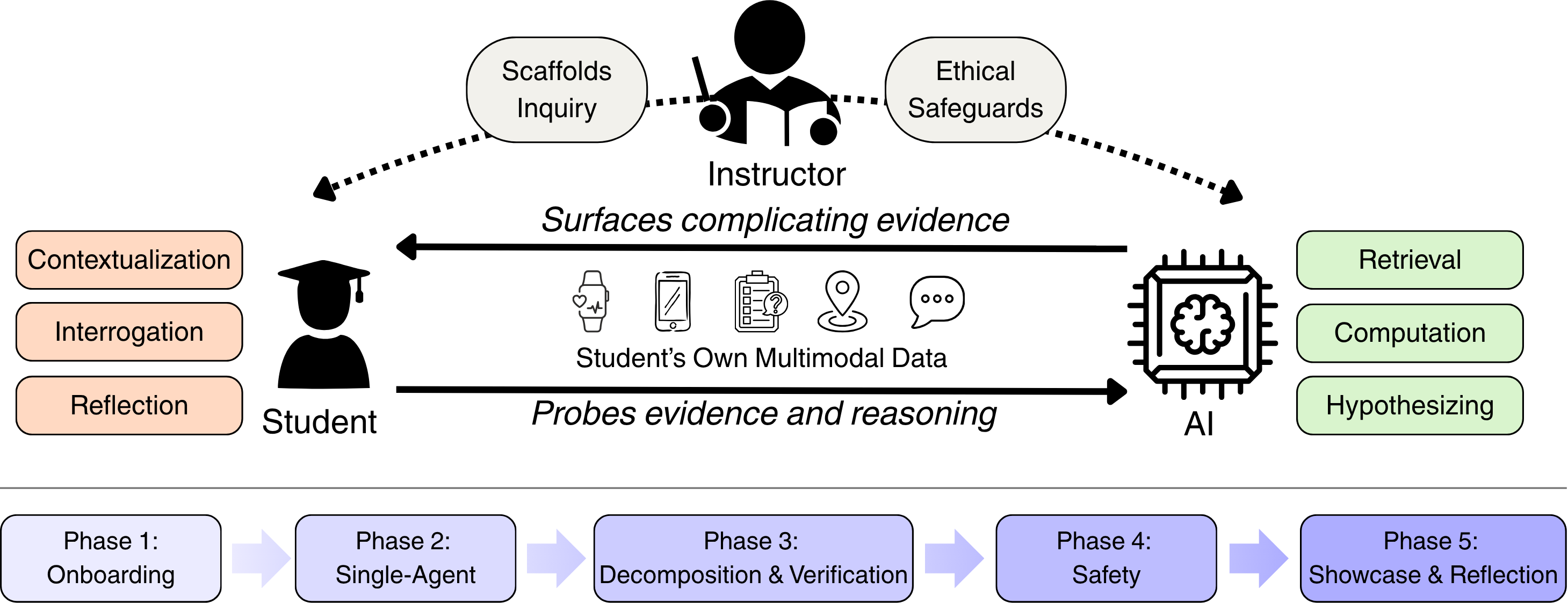
Accepted · UbiComp/ISWC 2026 Education ForumStudents and AI agents co-investigate multimodal sensing data through mutual interrogation, under instructor scaffolding.Explore the SACI learning modelHide the SACI learning model⌄
Student–AI Collaborative Inquiry SACI
SACI pairs a student and AI agent as co-investigators. The student contextualizes, interrogates, and reflects on claims; the agent retrieves and computes evidence, forms hypotheses, and surfaces counter-evidence. Responsibility remains with the student and instructor. This tutorial applies the model to a public GLOBEM sample: participants question the agent’s answers against the data, and when the model proposes a change to its own instructions, the participant judges it.
The SACI paper’s model figure. The tutorial uses the public GLOBEM sample, without requiring participants’ personal data. Open the figure to view it at full size.
Schedule
October 12, 2026 · 14:00–17:30 · Shanghai time (UTC+8).Room 5A, Shanghai, China. Includes 80 minutes of guided hands-on practice and a 30-minute conference coffee break.
14:00–14:05
Welcome & overview
Introduction to the tutorial and the afternoon’s activities.
14:05–14:30
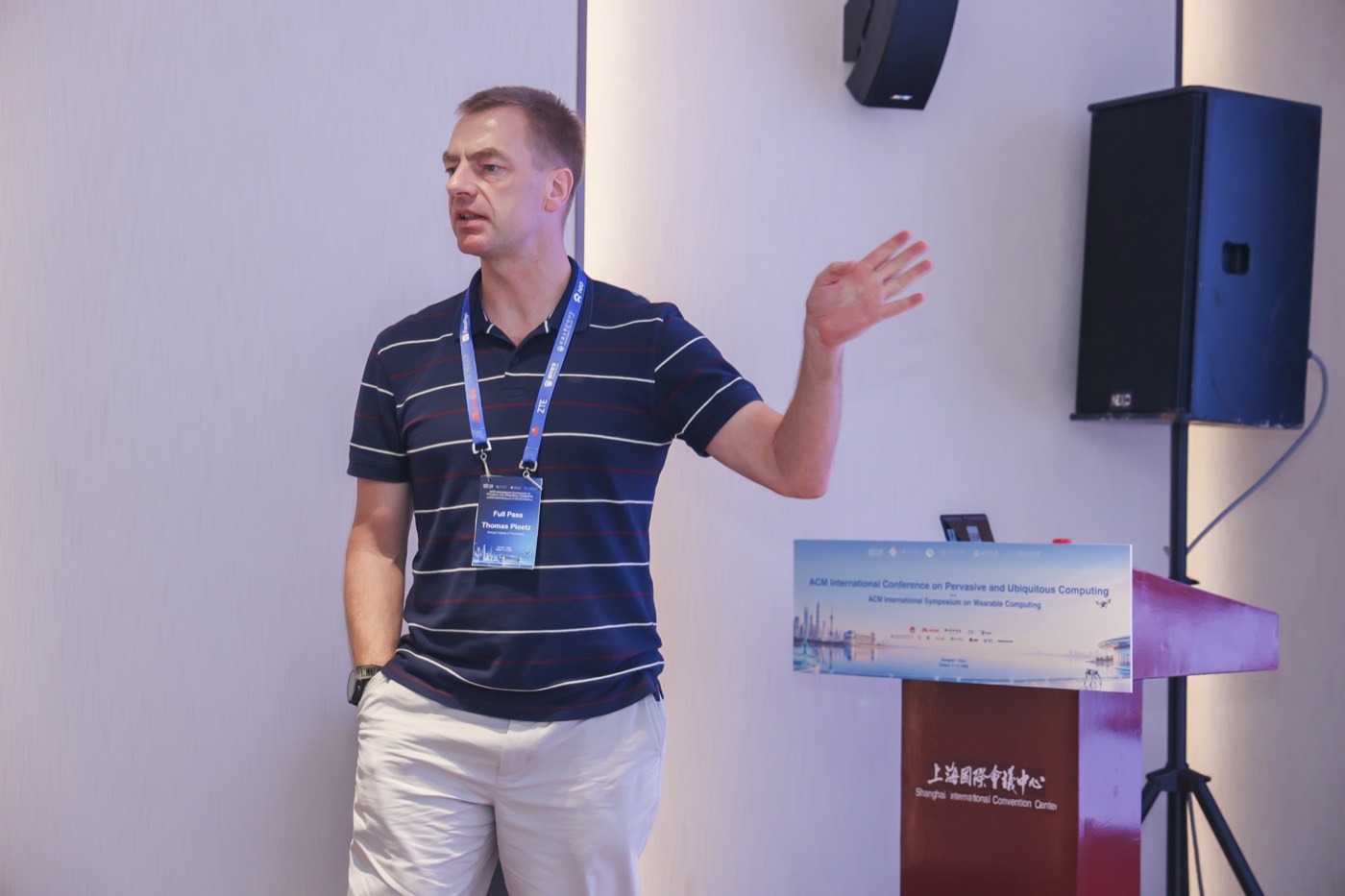
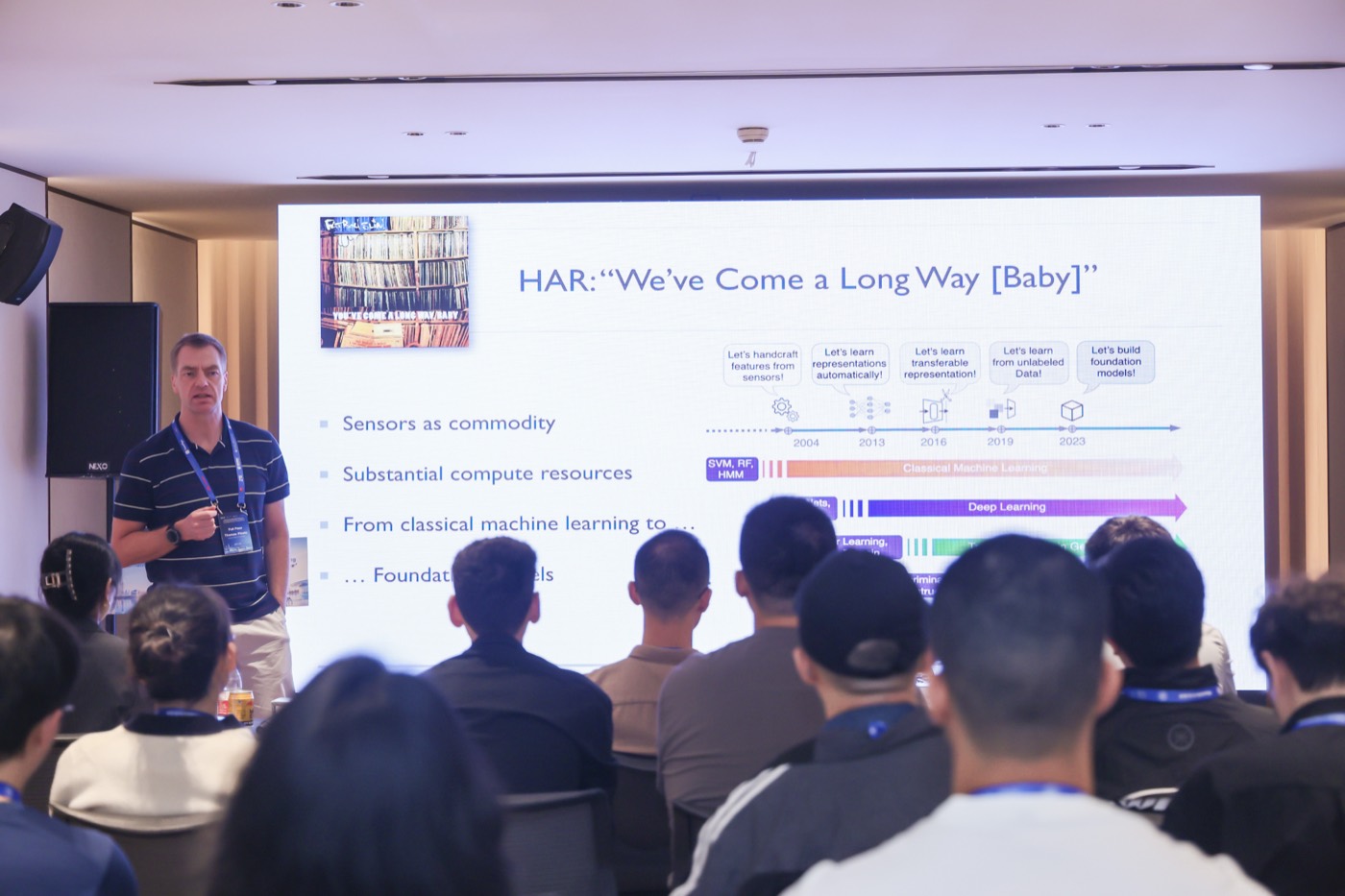
Opening talk · Dr. Thomas Plötz
Georgia Institute of Technology · 20-minute talk followed by 5 minutes of Q&A.
14:30–14:40
Invited talk · Dr. Teng Han
Chinese Academy of Sciences.
14:40–14:50
Invited talk · Dr. Chenshu Wu
The University of Hong Kong.
14:50–15:00
Invited talk · Dr. Edith C. H. Ngai
The University of Hong Kong.
15:00–15:30
Hands-on I · Foundations & the agent loop
Explore the public GLOBEM sample and how an agent connects a model with tools.
15:30–16:00
Coffee break
Conference coffee break.
16:00–16:50
Hands-on II · Tools, skills & evaluation
Write tools, improve an agent’s skill, and check the change against the data.
16:50–17:30
Panel discussion & closing · Evaluation and safety
With Dr. Thomas Plötz, Dr. Teng Han, Dr. Chenshu Wu, and Dr. Edith C. H. Ngai. Discussion of response quality, alignment with users’ goals, failure modes, and ethical considerations. Includes audience Q&A and closing remarks.
Invited Speakers
Dr. Thomas Plötz will give the opening talk.
Opening speaker
Dr. Thomas Plötz
School of Interactive Computing, Georgia Institute of Technology
Dr. Thomas Plötz is a Professor in Georgia Tech’s School of Interactive Computing. His research develops machine-learning methods for interpreting wearable and other sensor data to assess human behavior in everyday settings.
Invited speaker
Dr. Teng Han
Institute of Software, Chinese Academy of Sciences
Dr. Teng Han’s recent work includes health-related HCI, such as electrotactile studies of pain modulation and interaction support for people with visual impairments, and VR studies of cognitive fatigue, state mindfulness, and transient physiological discomfort. His broader research spans wearable haptics and multisensory human–machine interaction.
Invited speaker
Dr. Chenshu Wu
The University of Hong Kong
Dr. Chenshu Wu develops sensing AI for healthcare, eldercare, and homecare, including contactless and non-intrusive monitoring. His recent work explores online cardiac monitoring from audio-visual streams, self-supervised prediction of adverse events in type 1 diabetes, and low-cost fall detection for older adults in home settings.
Invited speaker
Dr. Edith C. H. Ngai
The University of Hong Kong
Dr. Edith C. H. Ngai is an Associate Professor at The University of Hong Kong. Her research connects wearable and mobile sensing with AI for health, including visual analytics of multimodal health data, smartphone-based digital phenotyping, and LLM-powered dietary monitoring and personalized analysis.
Prerequisites & what to bring
The tutorial is built to be accessible to participants from non-LLM backgrounds while staying meaningful for those with prior experience.
Prerequisites
Basic Python: comfortable reading and editing a few lines of code.
No prior LLM or agent experience required — the teaching blocks include a concise primer.
Familiarity with wearable or behavioral data is helpful but not required; a cleaned public sample is provided.
What to bring
A laptop with an up-to-date web browser is recommended for the full coding exercises. The hands-on runs in your browser, with nothing to install.
No laptop? You can still join. Use your phone to follow the slides, ask the AI helper, and try simple exercises in a compatible browser. Longer code edits are easier on a laptop.
No API key needed — we provide model access for the session. You get a seat code at the tutorial.
Open AgentLab on your laptop or phone and enter the code from your seat card.
The dataset
The hands-on uses the official public sample of the GLOBEM dataset: 10 college students with a Fitbit and a phone-sensing app, about seven weeks each. Observed missing values stay missing, and no credentialed data access is required.
SleepStepsPhone unlocksTime at home (GPS)
Organizers
A team spanning multimodal wearable sensing, LLM-based health intervention, conversational agents and clinical workflow evaluation, and human-centered AI for healthcare.
No. Basic Python is enough: you should be comfortable reading and editing a few lines of code. The browser tutorial includes a concise primer, guided exercises and reference solutions.
What if I get stuck?
Ask the AI helper in the bottom-right corner. It can explain a concept, offer a hint or help interpret an error using your code and outputs. Try its suggestion and check the result. Quick checks provide local troubleshooting guidance when the model is unavailable.
Do I need an API key? Will it cost money?
No, and no. We provide model access at no cost to participants during the session. Enter the seat code we give you at the tutorial.
What do I need on my laptop?
Only a web browser. Open AgentLab for the hands-on, including the Python code. There is nothing to install. Model calls and the AI helper require the seat code provided at the tutorial.
Can I join with just my phone?
Yes — you are welcome to join even without a laptop. You can follow the slides, ask the AI helper and try simple exercises in a compatible phone browser. A laptop is recommended for longer code edits and detailed traces. If an exercise does not run well on your phone, you can still follow the demonstration and join the discussions.
Do I get to keep the code and data?
Yes. Export your code and completed outputs as a Jupyter notebook, and download the public GLOBEM sample and lab package. Local data tools can run on your own computer; live model calls require available service access or adapting the connection to your own provider. The code and data retain their respective license notices.
Is this clinical or medical training?
No. The tutorial builds research prototypes for sensor-data sensemaking. Outputs are exploratory, not validated medical guidance, and any deployment on humans (including self, family, or research participants) requires appropriate IRB review.
Slides and exercises are available now. Model calls and the AI helper require the seat code provided at the tutorial.
The browser tutorial includes slides, editable Python exercises, reference solutions and an AI helper. Participants can export their work as a notebook and download the public sample and lab package.
The hands-on uses the official public GLOBEM sample, not the full credentialed PhysioNet release. Observed missing values remain missing.